Events & Tournaments
Create and Publish Events
Complete guide to designing events from draft, category configuration, to public release.
9 min Updated March 2026
Requirements
To create an event, your account must be of type Organization and have an active subscription package in accordance with the requirements of the event module to be used.
Data that needs to be prepared
- Name of event and identity of organizer.
- Implementation date, location, and PIC.
- Open competition categories/divisions.
- Participant quota per category.
- Payment scheme (free/paid) and registration deadline.
Event Creation Step
- Go to Organization Dashboard -> Events -> Create Event.
- Fill in the basic event information and upload the banner.
- Add competition categories, quotas, and technical parameters.
- Configure important registrations, fees, and schedules.
- Save as a draft, then review the data with the committee team.

Publishing Event
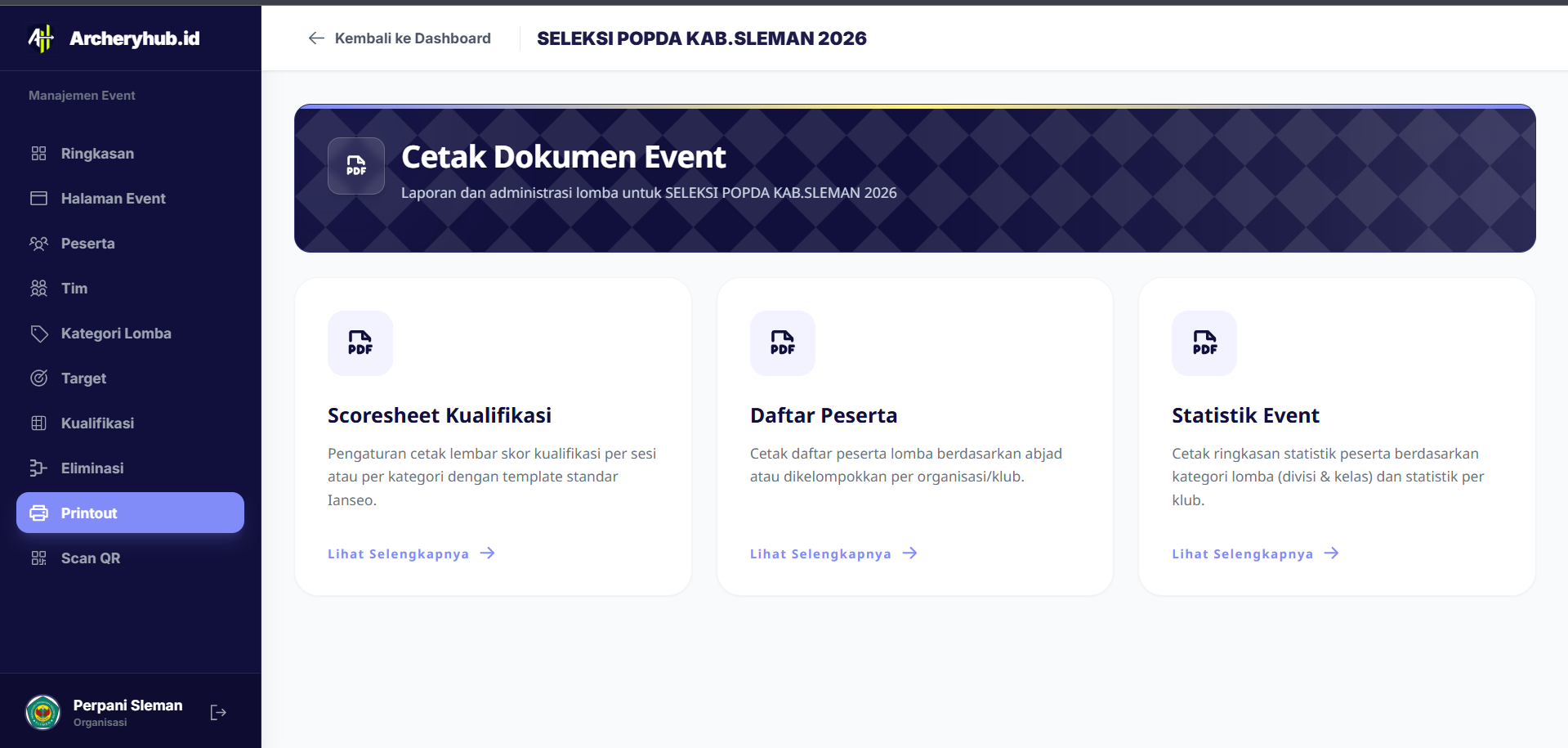
After validation is complete, click Publish so that the event appears on the public page. As long as the registration period is still running, you can still make corrections to non-critical content.
Pre-Release Checklist
- Make sure all categories have quotas and schedules.
- Check the registration price and payment status.
- Recheck the event description to avoid multiple interpretations.
- Make sure the operational team is ready to monitor incoming registration.
Share this article
Discussion (0)
Loading comments...