
Scorekeeper Management
Complete guide to the scorekeeper role: account creation, target assignment, score input flow, corrections, and access control.
What is Scorekeeper?
Scorekeeper is the officer responsible for entering archery scores digitally during the event. Every score entered is immediately synchronized to the public leaderboard in real-time, replacing manual recording on paper which is prone to errors.
Create a Scorekeeper Account
Only organization admins can create scorekeeper accounts. The account creation process is done from the event management dashboard:
- Go to Organization Dashboard → Events → [Event Name] → Scorekeeper.
- Click the Add Scorekeeper button.
- Fill in the officer's name, cellphone number or email, and assign to the desired target/session.
- The system will generate temporary login credentials (PIN or password) that can be shared with officers.
- The officer logs in via the mobile application or browser using these credentials.

| Information | Description |
|---|---|
| Maximum number | Unlimited per event |
| Login method | 6 digit PIN or email + password |
| Device | Smartphone, tablet, or laptop |
| Offline access | Automatically sync when connection is restored |
Assignment to Target / Session
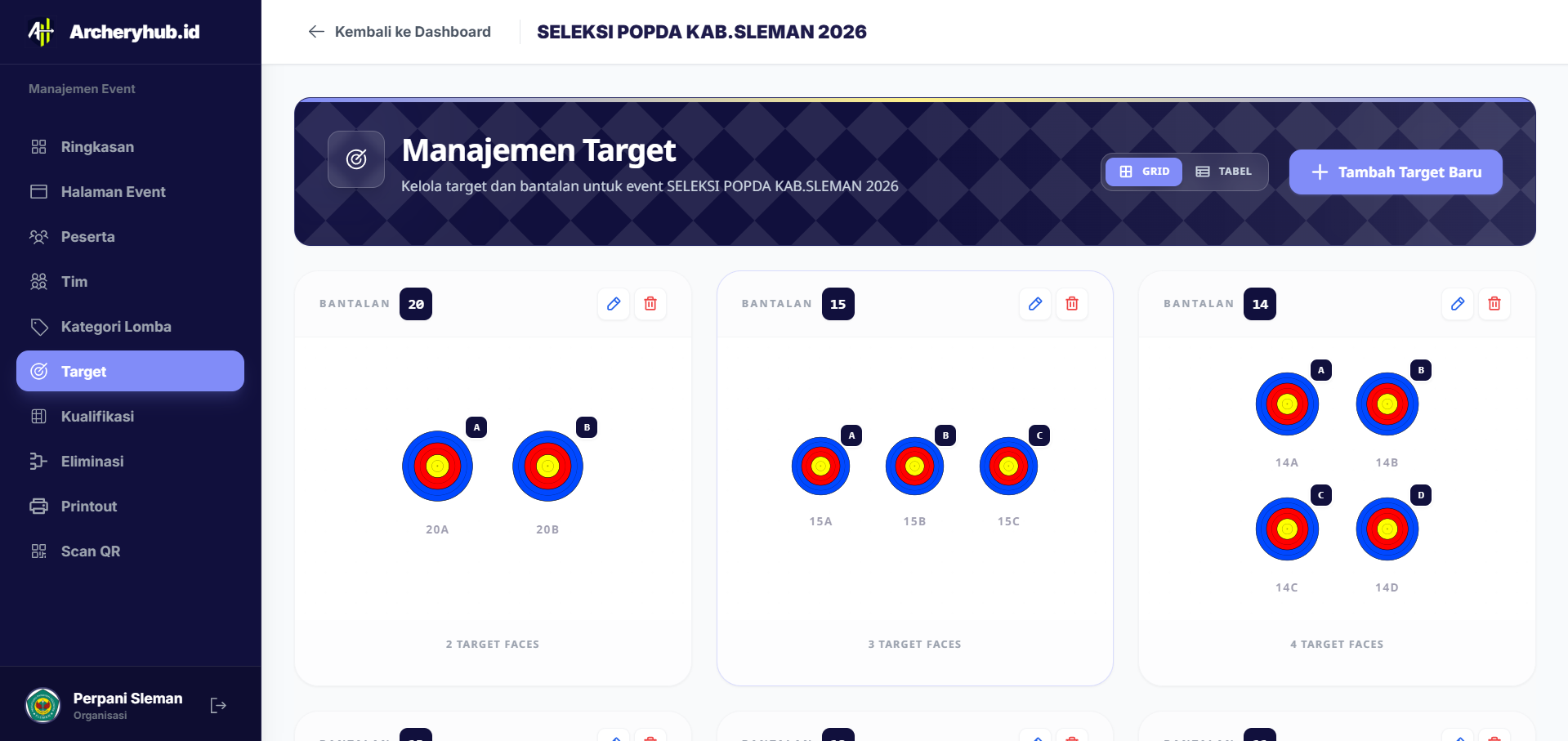
Each scorekeeper must be assigned to a specific target to avoid overlapping input. One scorekeeper can handle several targets simultaneously if team capacity is limited.
- Assignment can be done before or during the event.
- One target can be assigned to more than one scorekeeper (as a backup).
- Changes in assignments will be immediately visible in the scorekeeper application.
Score Input Flow in the Field
After logging in, scorekeeper only sees the list of assigned targets. The following is the score input flow per end:
- Select Target — Select a target number from the list provided.
- Select End — Select the end number to be input (End 1, 2, 3, etc.).
- Input Each Arrow's Score — Enter the arrow values one at a time (0–10, or X for 10 inner rings). The input order is from largest to smallest according to World Archery regulations.
- Total Confirmation — The system automatically totals the scores per end. Confirm if the total is correct.
- Submit — Score is saved and immediately appears on the public leaderboard.
Score Correction & Cancellation
Input errors may occur in the field. archeris.net provides a controlled correction mechanism:
- Immediate correction (within 5 minutes): Scorekeeper can immediately edit the newly input final score as long as the correction time window is still open.
- Correction by admin: If the time window has expired, only the event admin can unlock the end and allow re-correction.
- Correction history: Each score change is recorded along with the time, name of the scorekeeper, and reason for the correction for audit purposes.
Session Change and Officer Rotation
In multi-session events, the scorekeeper can be rotated between sessions without disturbing already stored data. Admin simply changes the assignment target on the dashboard before the next session starts. The new scorekeeper will immediately see the new target after re-logging in.
Access Control and Security
- Data isolation: Scorekeeper can only view and input scores for assigned targets — no access to other participants' data.
- Deactivate account: Admins can deactivate the scorekeeper account at any time from the event management dashboard.
- PIN rotation: Change the PIN every event to prevent misuse of old credentials.
- Activity log: All scorekeeper actions (logins, inputs, corrections) are recorded in a log that admins can access for audit purposes.