
Finance & Balance Management
Complete guide to managing income, balances and bank account settings on the Organization dashboard.
My Income Menu
Via the Finance > My Income menu, you can see a summary of your organization's financial performance. This page presents statistical data on income from all events you organize, separated by participant payment status.

Balance & Transaction History
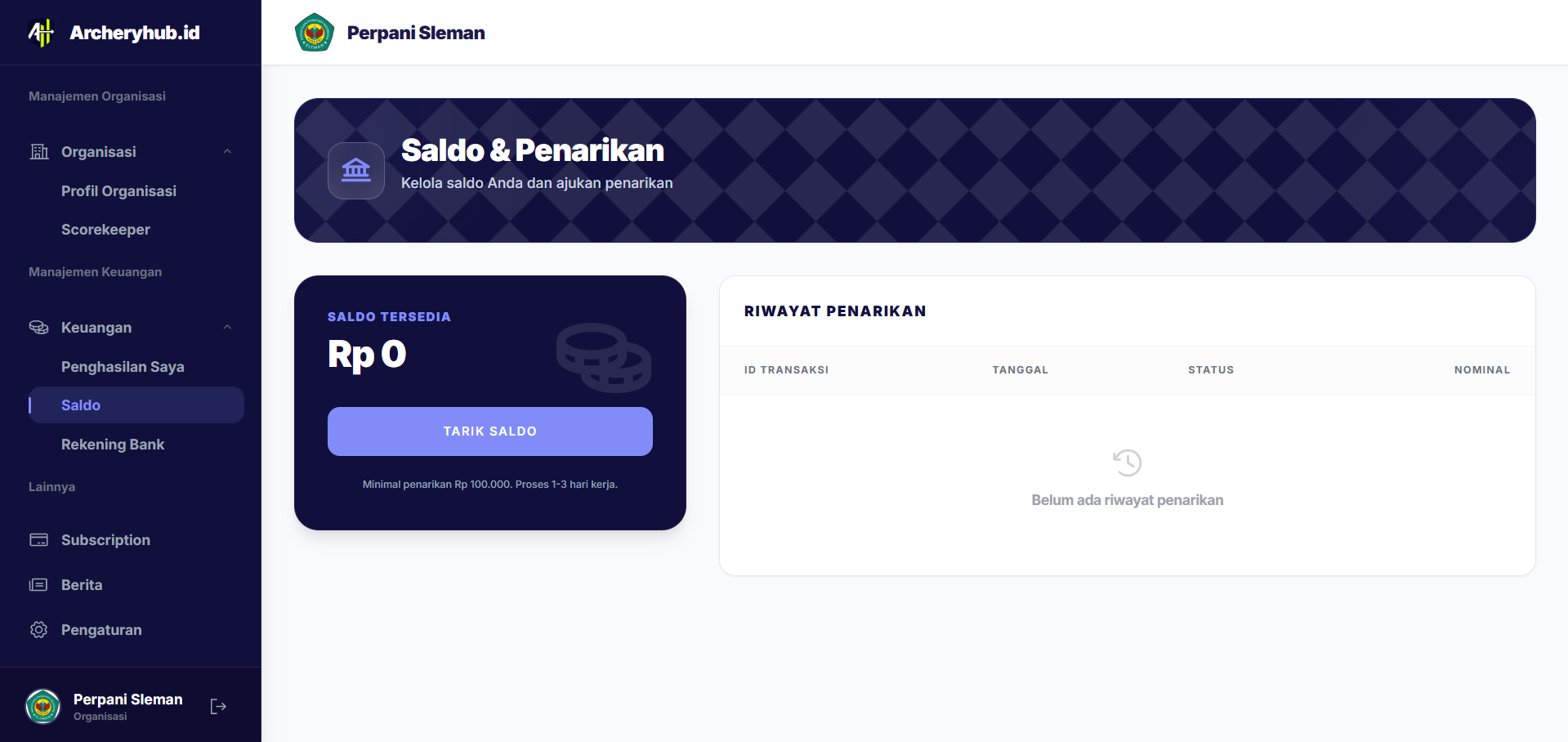
All funds from verified registration (Paid status) will go into your Organization Balance. The archeris.net system records every balance mutation in detail:
- Incoming Funds: Net income from participant registration after deducting platform service fees.
- Outgoing Funds: History of withdrawals that you have made to your registered bank account.
Bank Account Settings
To be able to withdraw funds, you must register your bank account number in the Settings > Bank Account menu. Some things to note:
- Make sure the account owner's name matches the name of the organization or legal person in charge.
- This account data will go through a security verification process before it can be used for withdrawals.
- You can change your account data at any time, but the verification process may be carried out again for the security of your funds.

Withdrawal
Withdrawals can be made flexibly from the available balance. You simply enter the withdrawal amount, and the system will process the transfer to your bank account within 1-3 working days (depending on each bank's policy).