
Creating Tournament Categories
How to set up competition categories for your tournament: selecting bow type, age group, gender division, team format, and managing field capacity.
Tournament categories group participants based on bow type, age, gender, and competition format (individual or team). Each category runs independently with its own qualification session, elimination bracket, and champion. Setting up categories correctly ensures participants are in the right division and competition results are fair.
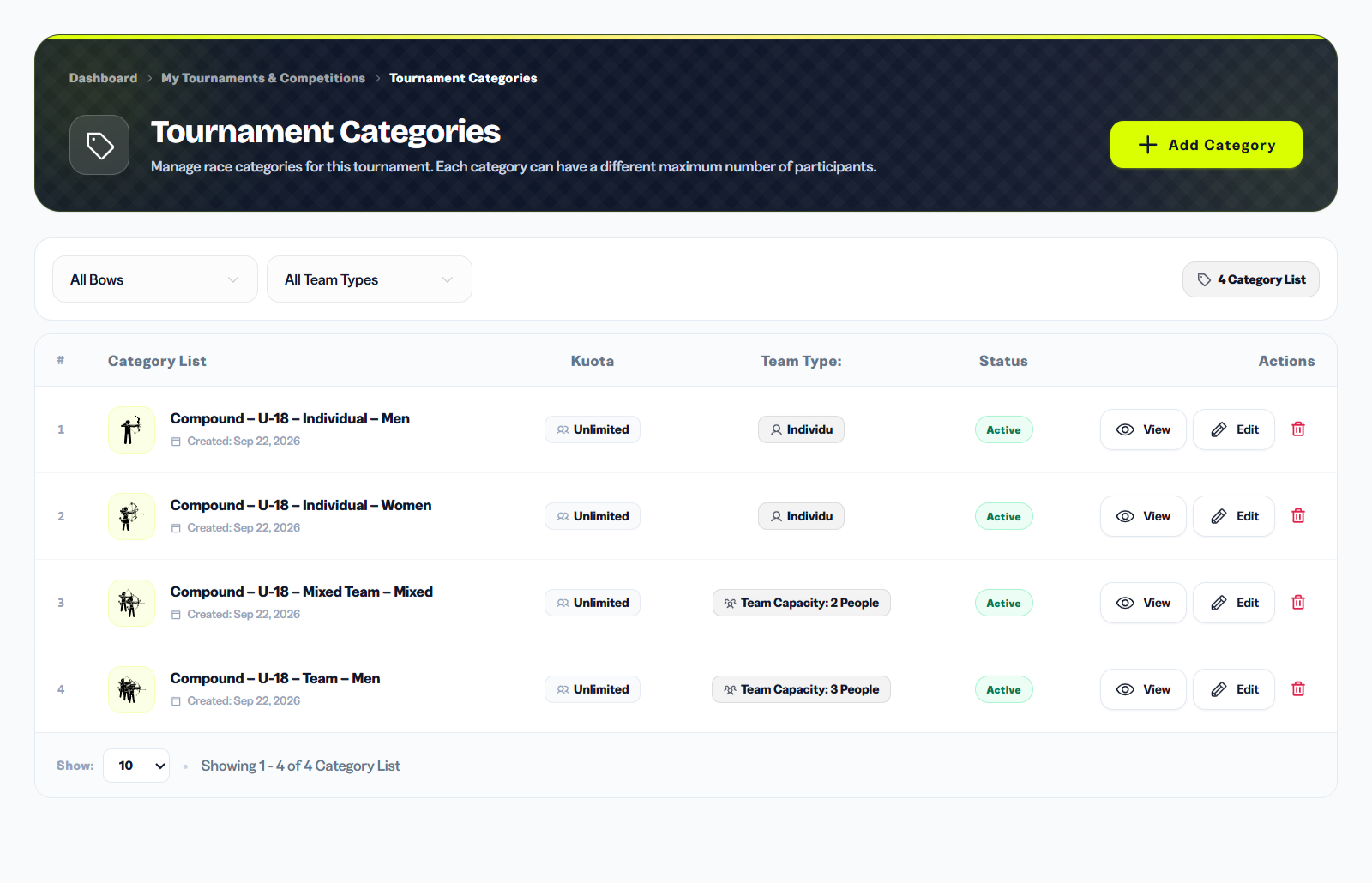
You can add, edit, or delete categories at any time while the tournament is in Draft. Once participants start registering, be careful about making structural changes to existing categories.
1. What Are Tournament Categories
In Archeris, a category is formed from the combination of four elements:
- Bow Type: Type of bow used - Recurve, Compound, Barebow, Traditional, Horsebow, Standard Bow.
- Age Group: Participant age range - U-10, U-12, U-15, U-18, Senior/Open, Masters 50+, or Custom.
- Gender: Men, Women, or Mixed.
- Team Format: Individual (1 person), Team (3 people of same gender), or Mixed Team (1 male + 1 female).
Example categories: "Recurve - Senior - Men - Individual" or "Compound - U-18 - Women - Individual".
2. Adding a New Category
To create a category:
- Go to Organizer Dashboard > Tournaments > [Select Tournament] > Categories.
- Click the + Add Category button.
- Fill in the category form:
- Bow Type: Select bow type (Recurve, Compound, Barebow, Traditional, Horsebow, Standard Bow).
- Age Group: Select participant age group.
- Gender Division: Men, Women, or Mixed.
- Team Type: Individual, Team, or Mixed Team.
- Click Add Category. The new category appears immediately in the list.
You can add as many categories as needed. It is recommended not to create too many categories in small tournaments for easier management.
3. Bow Types, Age Groups, and Team Formats
Available Bow Types:
- Recurve: Standard Olympic bow with sight and stabilizer. Senior shooting distance 70m.
- Compound: Bow with cam/pulley system. Standard shooting distance 50m.
- Barebow: Bow without sight or stabilizer. 50m distance with 122cm target face.
- Traditional: Traditional wooden bow without modern accessories.
- Horsebow: Traditional bow specific to horseback archery style.
- Standard Bow: National development division with standard specifications.
Age Groups: U-10, U-12, U-15, U-18, Senior (Open), Masters 50+, and Custom (custom age). The system automatically validates participant age based on their profile date of birth.
Team Formats:
- Individual: One archer competes alone.
- Team: Team consists of 3 archers of the same gender.
- Mixed Team: Team consists of 1 male and 1 female archer.
For team and mixed team categories, the captain registers the team during the registration flow and the system validates that all members meet gender and age requirements for that category.
4. Open Registration & Field Capacity (IanSEO / World Archery Standard)
Following international World Archery and IanSEO regulations:
- Open Registration: Archeris allows open participant registration until the Registration Deadline. No artificial software quota limits block registration.
- Field Capacity Management: Physical capacity is managed during the technical setup phase via Target Butt Assignment (placing 4 archers per target: A, B, C, D) and dividing large categories across multiple Qualification Sessions.
5. Editing and Deleting Categories
You can do the following on created categories:
- Edit: Change name or category details. Click on the category to edit, change data, then save.
- Delete: Remove categories that are no longer needed. Warning: if participants are already registered in that category, you need to delete the participants first or move them to another category.
- Batch Create: Create multiple categories at once (available for active subscription plans).
Avoid deleting categories that already have participants assigned to a qualification session — this will orphan their scoring records. Always check the participant count on a category before deleting it.