
Setting Registration Fees
How to set registration prices for your tournament: flat fee, per-category pricing, per-type pricing, and how the system calculates participant invoices.
After creating a tournament, the next step is setting registration fees. Archeris gives you three pricing modes — flat rate for all categories, different prices per category, or different prices by competition type (individual, team, mixed). The system automatically calculates the total cost when participants check out.
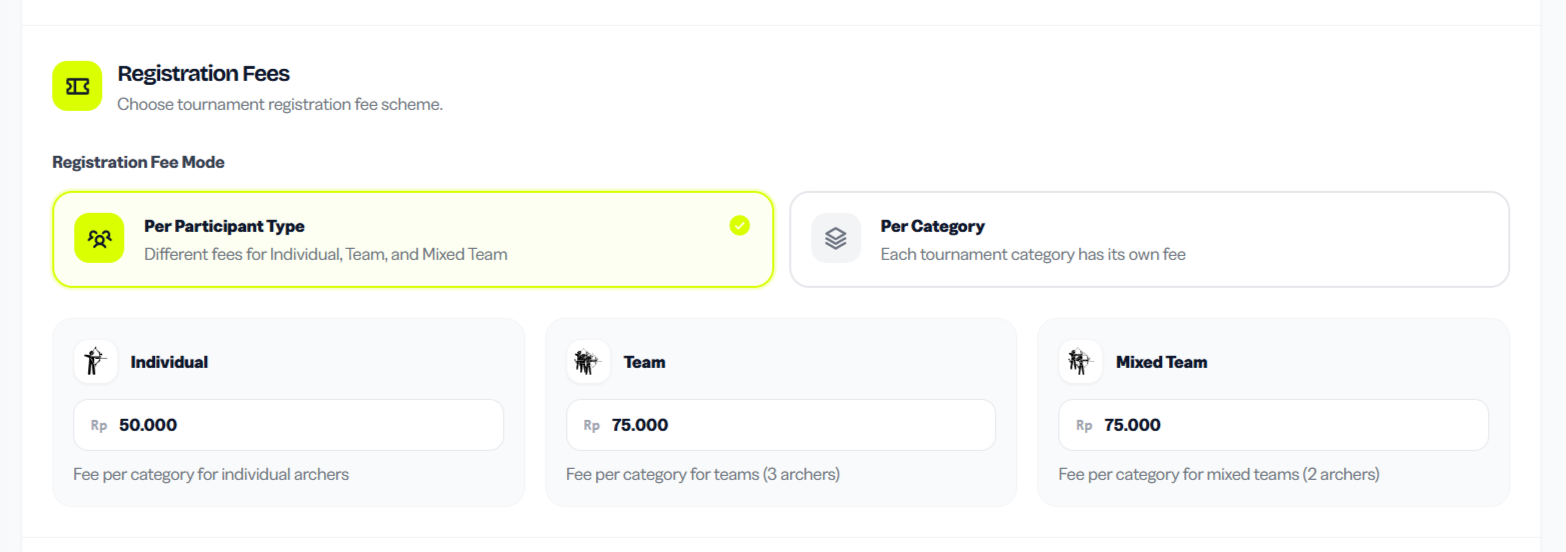
The pricing section is in the Registration tab of your tournament workspace. You can change the pricing mode any time before registration opens — avoid changing it after participants have active invoices.
1. Types of Registration Fee Settings
In the Registration tab, scroll to the Registration Fees section. You'll find three pricing modes:
- Flat Fee (per participant): One price for all categories. Simplest option — suits small tournaments.
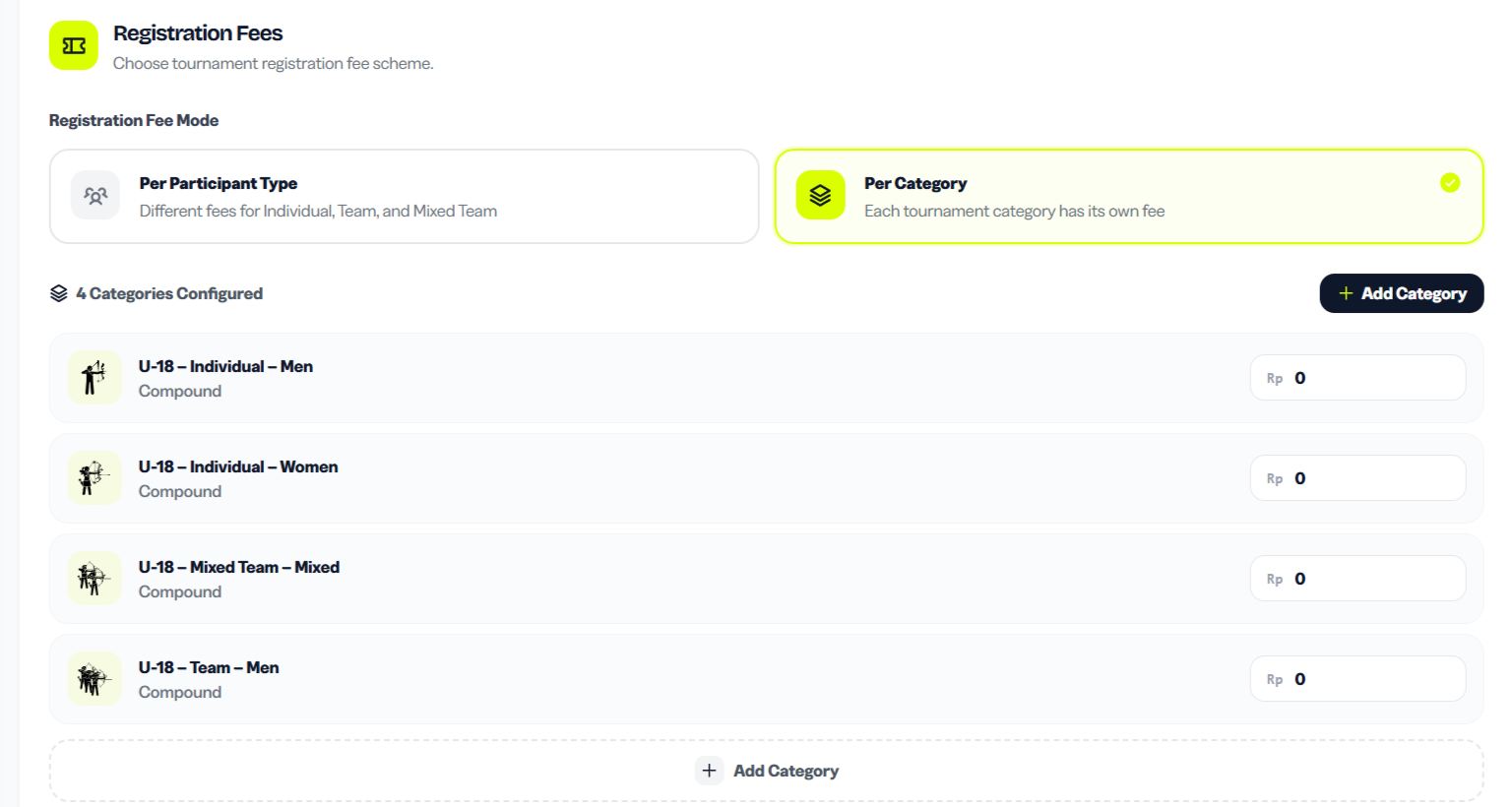
- Per Category: Different prices per category. Use this when categories have different distances or facilities that warrant different costs.
- Per Type: Different prices by competition type — Individual, Team, or Mixed Team.
Pick the mode that fits your event structure. You can switch modes any time before the first registration comes in.
2. Flat Fee per Participant
Everyone pays the same price, regardless of which category they register for.
- Go to Organizer Dashboard > Tournaments and open your tournament workspace.
- Click the Registration tab.
- Scroll to the Registration Fees section and select Flat Fee mode.
- Enter the fee amount — e.g.,
150000for Rp 150,000 per participant. - Click Save.
With this mode, every participant — whether registering for Recurve Open, Compound Senior, or Barebow — pays the exact same fee.
3. Price per Category
Use this when you want different prices for each category — for example, a 70m Recurve category costs more than a 50m category because it uses the field longer.
- Make sure you have already created categories in the Categories menu.
- In the Registration tab, scroll to Registration Fees and select Per Category mode.
- A list of your created categories appears. Fill in the price for each one.
- Click Save.
When participants register, they see the price for whichever category they select on the checkout page.
The checkout page sums all selected categories into one invoice total — archers registering for multiple categories pay the combined amount in a single transaction.
4. Price per Type (Individual / Team / Mixed)
This mode groups prices by competition type:
- Individual: Price for individual categories (Recurve, Compound, Barebow, etc.).
- Team: Price for team categories (3 archers per team).
- Mixed Team: Price for mixed team categories (1 male + 1 female).
The price you enter applies per category within that type, not per team. For example, if Individual is set at Rp 150,000 and Team at Rp 200,000 — a participant choosing 1 individual category pays Rp 150,000, and one choosing 1 team category pays Rp 200,000 per category.